
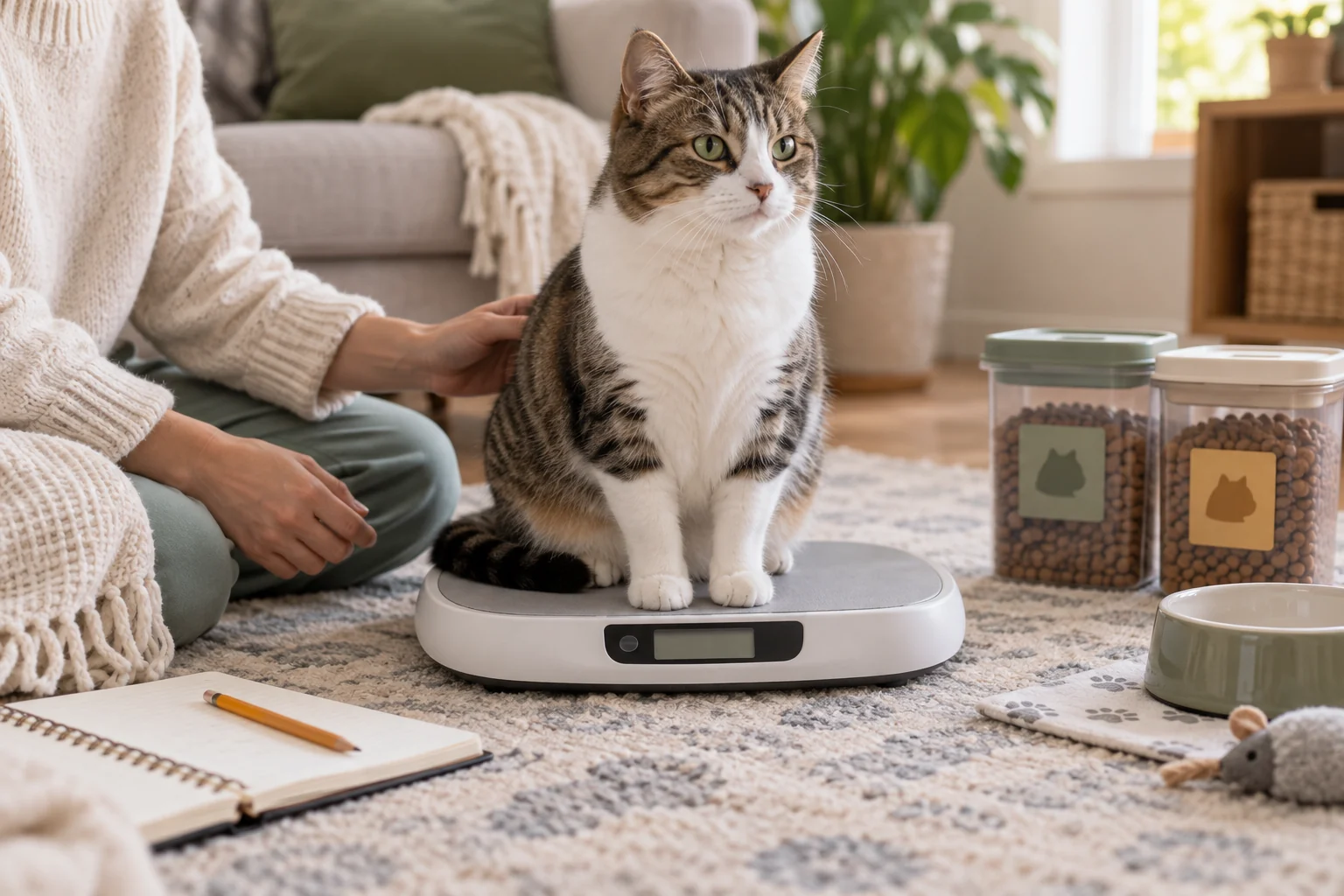
Your cat’s weight journal
Free to use. No account needed. Save records in this browser and download a backup to keep a copy.
Add a check-in
A weight, a score, or a dated observation.
Add a check-in
A weight, a score, or a dated observation.
Your cat’s timeline
Recorded weight above. Optional body condition scores below.
Add your first dated weight, or explore a fictional example to see how the timeline works.
How to read this chart
The weight axis zooms to your entries. Lines connect measured weights; no daily values are inferred. BCS points and ranges are shown only where entered. The chart describes recorded changes; it does not assign a health rating.
Check-in history
Exact entries and context behind your chart.
| Date | Weight | BCS / 9 | Context | Entry |
|---|---|---|---|---|
| Create a cat profile, then add your first check-in. | ||||
Back up, restore & manage profiles
Keep a copy you control
Back up all cats to an editable JSON file. CSV and print cover the selected cat and displayed date range. A backup contains all cats and dates.
Imports create separate profiles; they never replace your existing cats. Files are read in your browser.
Already used our BCS tool?
Copy its locally saved profiles into this tracker, on the same website and browser. Original BCS records stay in their own tool.
This is a one-time copy, not a live connection. Repeating it creates another copy.
No account or cloud sync is provided. The tracker does not send your entries to our server. Browser clearing, private browsing or a different device may make local records unavailable. Download backups regularly. Site privacy policy.
How to track your cat’s weight at home
Use a repeatable weighing setup
Use a stable, suitable scale and the same method where possible. Follow its instructions for zeroing and capacity. Keep your cat comfortable; do not force a weigh-in.
Record the cat’s weight, not the carrier
Subtract the empty carrier or container if it is included in the reading. A person-plus-cat reading minus the person’s weight can be less precise; label the method so it is not confused with a clinic or pet scale.
Save the date and what was different
Note a scale change, different weighing conditions, food change or appetite observation. A small difference may reflect the weighing setup or scale resolution. Keep only as many decimal places as the scale supports.
Choose a review schedule with your vet
Use the interval appropriate for your cat’s age, health and care plan. Do not wait for the next scheduled entry if you are concerned about a change.
Why record body condition as well as weight?
The scale records weight. BCS describes fat covering.
Body condition scoring uses appearance and gentle hands-on assessment. Different frames and muscle condition mean the same weight can have different interpretations. A weight chart alone cannot tell you whether a cat is overweight. [1, 2]
This tracker keeps BCS on its own 1–9 scale. It preserves an exact score or two neighboring scores, identifies an owner estimate separately from a veterinary-team score entered by you, and leaves missing scores blank.
Use the illustrated cat body condition guide if you want help understanding the numbers. You can return and enter the score, or keep the check unscored.
Fat covering and muscle condition are separate
Body condition is not a muscle assessment. Keep muscle concerns in your notes and discuss them with your veterinary team, including when weight looks unchanged. Nutritional assessment should be individualized. [2, 3]
Growing kittens, senior cats and cats with a medical condition need particular context. This tool does not plot a breed-based growth percentile or supply a universal “ideal cat weight.”
Is my cat gaining or losing weight?
The timeline shows the measurements you recorded, spaced by their actual calendar dates. The change compares the first and last measured weights inside your selected date range. A BCS-only entry does not count as a zero weight.
Weight change = last weight − first weight
Percentage change = change ÷ first weight × 100
For example, 4.50 kg followed by 4.40 kg is −0.10 kg, or approximately −2.22% relative to 4.50 kg. This arithmetic does not say whether the change is appropriate for an individual cat.
Unit conversion uses 1 lb = 0.45359237 kg. Records are stored in kilograms; switching the display changes presentation rather than replacing the original recorded measurements.
Put the next check-in in context
- Understand your cat’s body condition score
Compare observations and the 9-point scale before entering an estimate.
- Plan measured wet and dry food portions
Work from your cat’s appropriate calorie target and the actual food labels.
- Review a daily calorie and feeding estimate
Keep the feeding plan separate from the descriptive weight log.
- Keep a cat food switch log
Record appetite, stool and recipe changes alongside the weight history.
- Review mixed feeding when an indoor cat gains weight
Bring meals, treats and other sources of food into the conversation.
- Move from free feeding to measured meals
Use a consistent household routine and an individual veterinary plan.
Cat weight tracking questions
How often should I weigh my cat?
There is no single interval for every cat. Ask your veterinary team for a schedule suited to age, health and any weight-management plan. The tracker accepts irregular check-ins and spaces them by their real dates; it does not require a daily or weekly entry.
Can I use this as a cat weight loss tracker?
Yes, to document measured changes and the plan your veterinary team has agreed with you. It does not label a loss rate safe, set a calorie deficit or predict a goal date. Keep food, appetite and muscle concerns with the record.
Can I record a weight without knowing my cat’s BCS?
Yes. Leave “Not scored / I’m not sure” selected and save the weight. You can also save a BCS without a weight, or a dated observation without either. Missing measurements are not turned into zeroes.
What does a BCS range such as 5–6 mean?
It records your uncertainty between two neighboring scores on a 9-point scale. The tracker keeps both numbers and shows the span; it does not convert them into a score of 5.5. Your veterinary team can help confirm the assessment.
Can I use the log for a kitten or senior cat?
You can record their measured weights and observations, including weights down to 0.01 kg. The lower input limit is a data-entry limit, not a normal or healthy weight. There are no automatic growth percentiles, breed targets or adult BCS judgments. Ask your veterinary team how to interpret the history.
Does this work in pounds and kilograms?
Yes. Choose kg or lb before entering a measurement. Switching units also converts an unsaved weight field and the chart. CSV includes both units; the print report uses your selected display unit.
Can I track several cats and move records to another device?
Keep up to 20 separate profiles with 500 entries each. Download “Back up all cats (JSON)” and import that file on the other device. There is no automatic sync. An import makes separate copies so existing profiles are preserved.
Can I bring records over from the SnuggleSouls BCS tool?
Open “Back up, restore & manage profiles” and choose “Copy saved BCS profiles” on the same website and browser. This copies dated weights, selected scores and assessment context. It does not update or delete the original BCS profiles, and later changes are not synchronized.
What happens if I add two entries for the same day?
The tracker keeps one entry per cat per date. It asks before replacing a saved entry on that date. Use Edit to correct a record. Deletion has an Undo snapshot for the current visit; download a backup before major changes.
Where is my cat’s information saved?
Profile creation and “Save check-in” store data in this browser when local storage is available. Entries are not uploaded by this tracker. Clearing browser data can remove them, and private browsing may not retain them. If saving fails, a notice tells you that changes are for this visit only; download a backup before leaving.
 EN
EN DE
DE ES
ES PT
PT